Job Search Bar
The Job Search Bar is the quickest way to jump to any job from the Jobs page.
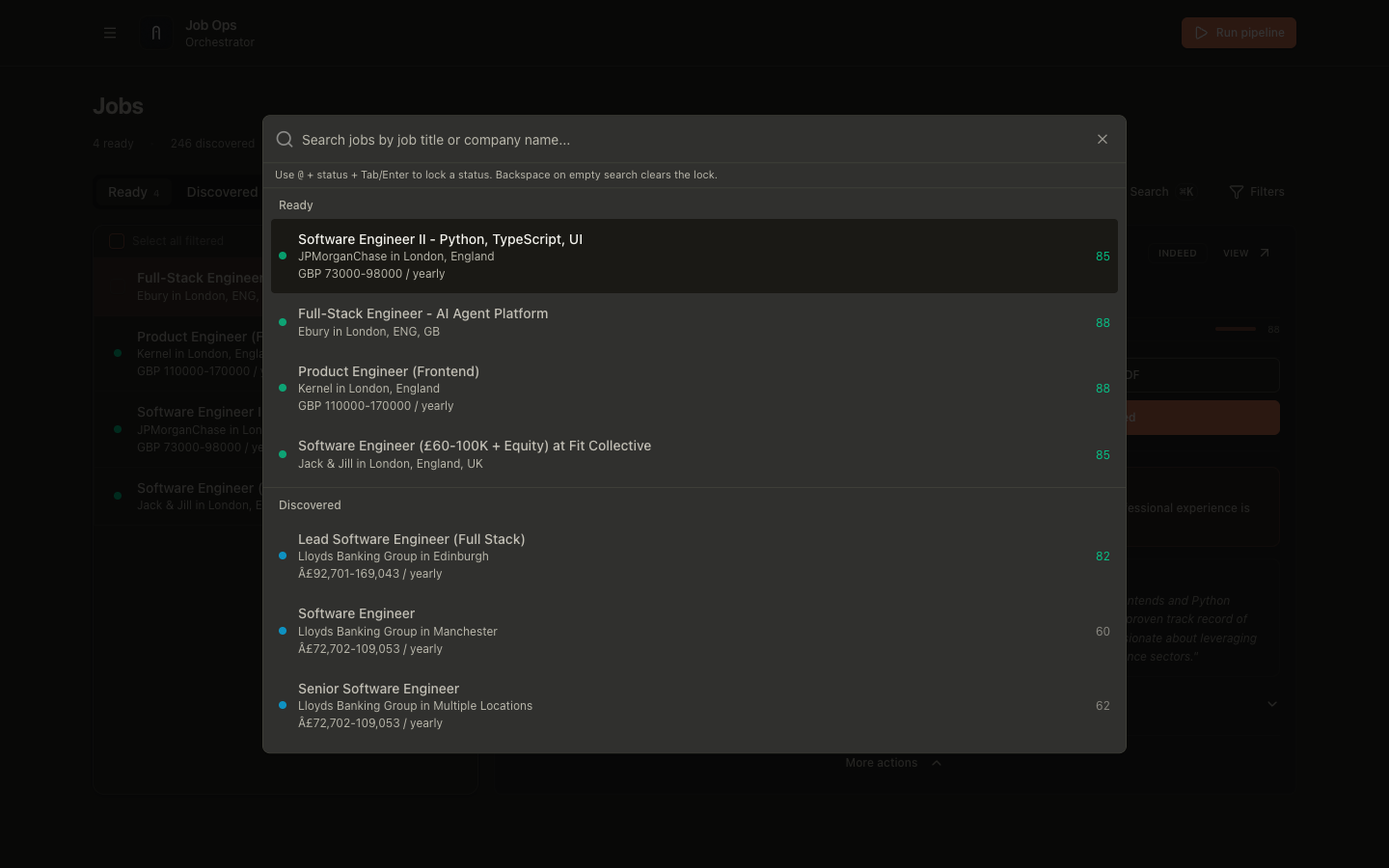
Open it
Use either:
- keyboard shortcut:
Cmd+K(macOS) orCtrl+K(Windows/Linux) - the Search button in the Jobs page filter row
What it searches
Search matches job fields with fuzzy ranking:
- title
- company/employer
- location
By default, very low-relevance matches are hidden so results stay focused on likely intent.
Results are grouped by status sections:
- Ready
- Discovered
- Applied
- Other
Selecting a result opens that job in its correct tab automatically.
Status lock (@)
You can lock the search scope to one status:
- Type
@plus a status prefix (example:@rea,@app). - Press
TaborEnterto apply the lock. - Continue typing your normal query.
Supported lock targets:
readydiscoveredappliedskippedexpired
Common aliases:
ready:ready,rdydiscovered:discovered,discover,discapplied:applied,apply,appskipped:skipped,skip,skpexpired:expired,expire,exp
Lock controls
Backspaceon an empty query clears the active lock.Escclears the active lock while the search dialog stays open.- Closing the dialog resets lock state.
When to use this vs filters
- Use Search Bar when you already know what role/company you want to jump to quickly.
- Use Filters when you want broad narrowing (source, salary, sponsor, sort) for browsing.